
Restaurants Handel payments throughout the day across different ordering and service points. A customer may pay at the counter, settle a table bill, place an online order, or use a supported digital payment method.
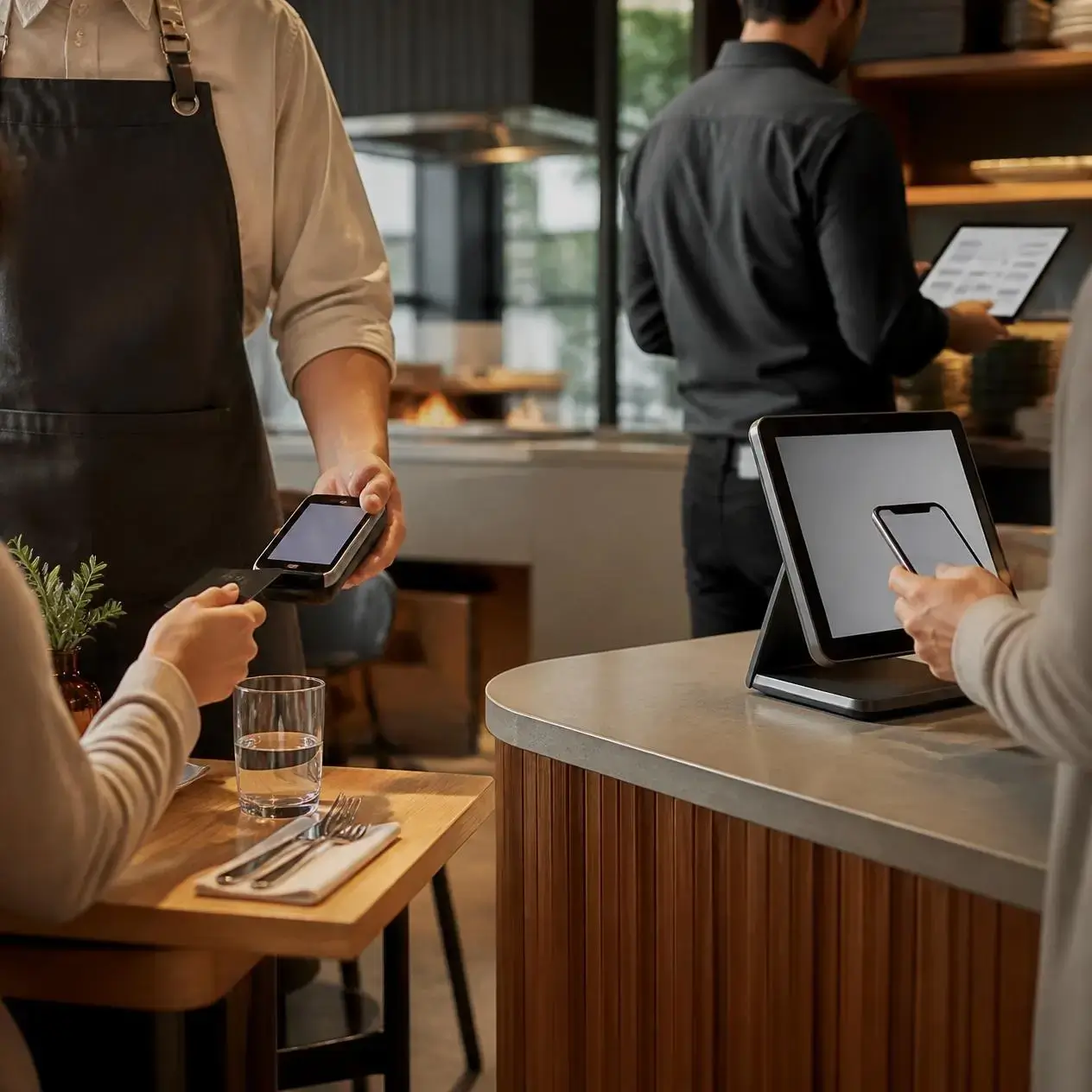
Restaurants Handel payments throughout the day across different ordering and service points. A customer may pay at the counter, settle a table bill, place an online order, or use a supported digital payment method.
Chefgaa brings these payment workflows into your restaurant management environment, helping your team maintain a consistent and organized checkout process.
Configure Payment Methods
Set up the payment types your restaurant wants to accept from one centralized management portal. Configure the available options according to your restaurant's operational needs.
Set Up Payments by Location
For restaurants with multiple outlets, decide which payment options should be available at each location. Configure each site based on its individual business requirements.
Accept Payments Across Channels
Give customers flexible ways to pay whether they are ordering at the counter, dining at a table, or using supported digital ordering channels.
Manage Payments from One Platform
Keep your payment configuration organized and connected with your restaurant operations. Chefgaa POS helps your team maintain a consistent, accurate, and efficient billing and checkout process across the business.
Connect Your Preferred Payment Solutions
Every restaurant has different payment requirements. Chefgaa gives you the flexibility to work with supported payment providers based on your business needs.
From payment gateways and card processing to digital wallets and supported payment services, you can build a payment setup that fits the way your restaurant operates.
- Payment Gateways
Connect supported payment gateways to help process payments through your restaurant's digital and operational channels.
- Card Terminals & Processors
Support card-based transactions through compatible card terminals and payment processors, helping your staff complete customer payments as part of the POS workflow.
- Digital Wallets
Offer supported digital wallet payment options to give customers additional ways to complete their transactions.
- Other Payment Providers
Chefgaa can work with other supported payment providers, giving restaurants flexibility when choosing the payment infrastructure that fits their requirements.
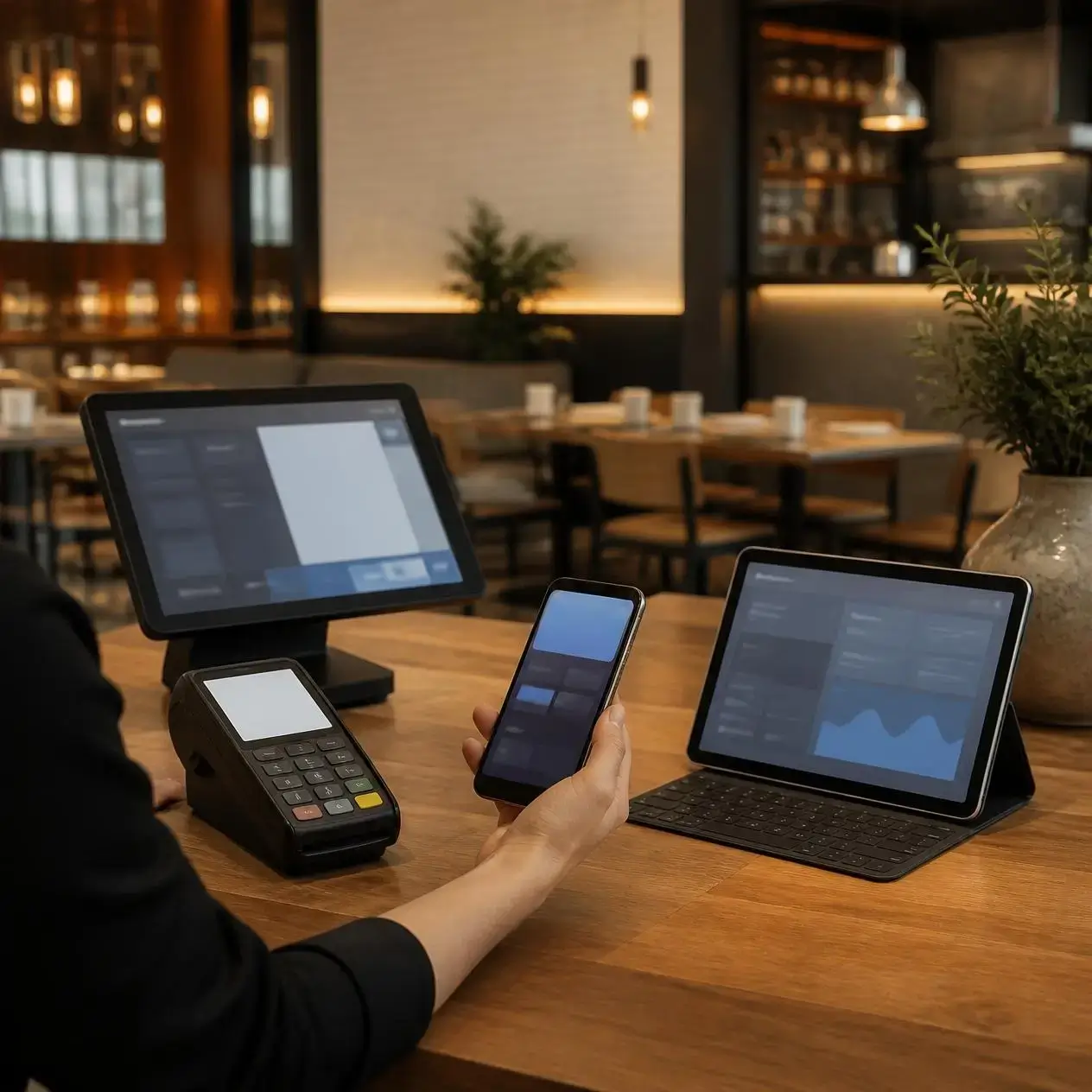

Why Connect Payments with Chefgaa?
- Centralized Payment Management
Manage supported payment integrations through your Chefgaa restaurant management environment.
- Flexible Payment Options
Choose supported payment solutions that match your restaurant's operational requirements.
- Connected POS Workflow
Keep payment processes connected with orders and billing instead of treating payments as a separate operation.
- Multiple Payment Technologies
Work with supported payment gateways, card terminals, processors, digital wallets, and other payment providers.
- Multi-Location Support
Organize payment configurations across multiple restaurant outlets as your business grows.
- Better Operational Control
structured approach to payment configuration and day-to-day restaurant transactions can maintained
Chefgaa supports payment gateways, card terminals and processors, digital wallets, and other supported payment providers. Specific availability depends on the integrations supported and configured for your restaurant.
Yes. Chefgaa supports payment gateway integrations so restaurants can configure supported digital payment services within their payment workflow.
Chefgaa supports compatible card terminal and processor integrations. The specific hardware and processing options available depend on the supported payment setup.
Chefgaa supports digital wallet integrations where supported by the configured payment provider and payment setup.
Chefgaa supports multi-location restaurant operations, allowing businesses to organize their payment configuration across outlets based on their operational requirements.
Chefgaa is designed to support different payment providers where integrations are available. The exact provider options depend on the supported integrations available for your business.
Supported payment integrations can be connected with the Chefgaa POS workflow, helping restaurants maintain a more organized process between ordering, billing, and payment.
Book a live walkthrough with a specialist, or explore transparent pricing built for every outlet size.